


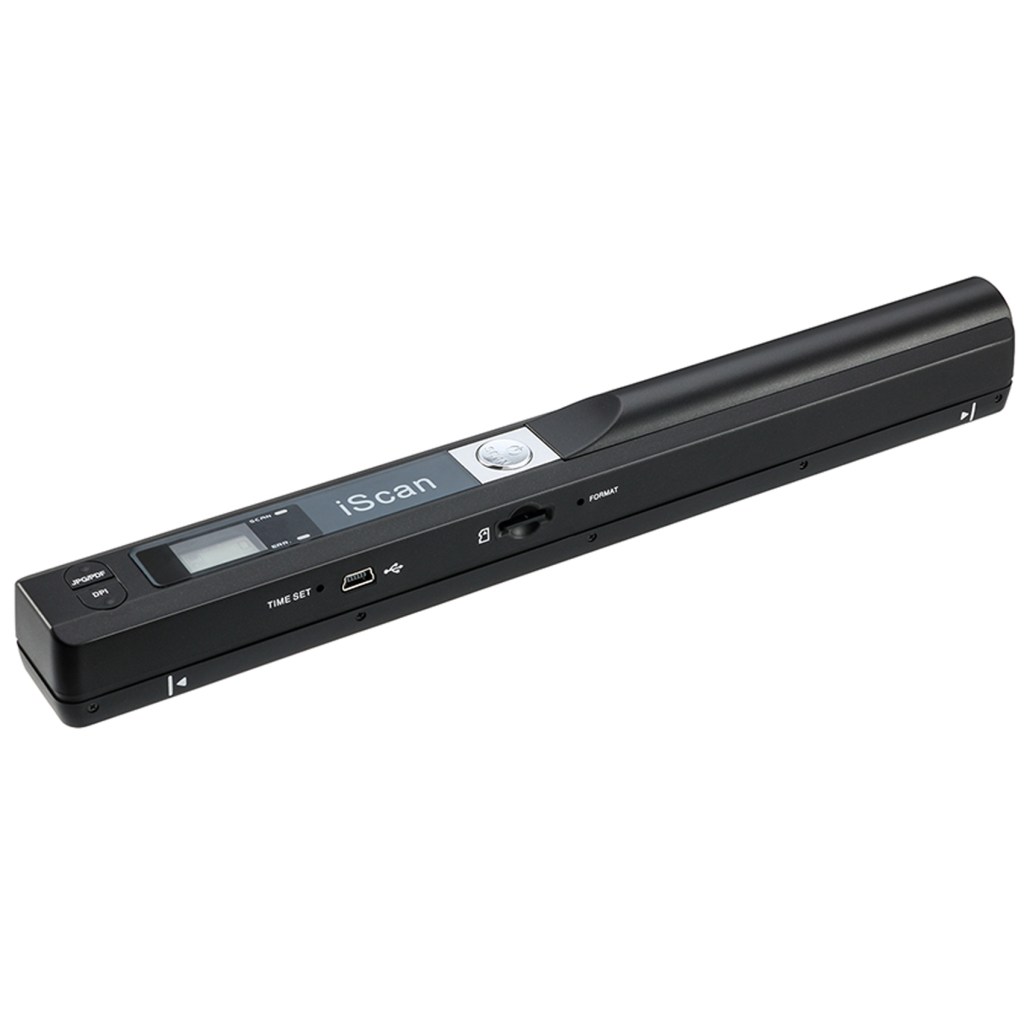
Portable Handheld Scanner, Wand Scanner for A4 Documents Pictures Pages Texts Receipts Books Up to 900DPI


Features:
- Handheld scanner is an extremely compact scanner that easily fits into a drawer or your laptop pocket.
- Whether you are at home, in the office or library or enjoying a cup of coffee, the hand scanner can always be there!
- High resolution scanner for A4 size documents and images, excellent scanning performance.
- Compact size and lightweight design, easy to carry around.
- Built-in real time scanning detector, avoid image distortion.
- Supports memory card up to 32G(Not included), can store large capacity files.
- Direct plug-in, driver installation not required.
- Suitable for businessmen, students, travelers, artists and amateur architects.
- Resolution: 900DPI/ 600DPI/ 300DPI
- Power Source: 2 AA Batteries
Portable Document Scanner Digitizing your memory, preserving your Photos, documents permanently.

Common problems.
1. Error light (flashing red), not scanning, not working?
Solution: Need to perform White balance calibration.
Use to perform a calibration to adjust the white balance calibration.
1) Place the scanner against a white background, press the Scan button to turn the power on and start.
2)Press the JPEG/PDF button while pressing the “Scan” button to enter auto calibration mode.
3)The red and green lights come on at the same time, do not move the scanner after the red light goes out.
4)Start scanning by sliding smoothly until the green LED goes out. (If necessary, slide the scanner backwards)
5)Press the Scan button “Scan” to close the scanner when you have finished calibrating.
2.The SD card keeps showing that it is full.
SD cards support up to 32G. cards over 32G cannot be used.
3.Indicating Light: Green–scanning, red–scanning too quickly.
|
|
|
|
|---|---|---|
High resolution scanner for A4 size documents and imagesHow to scanning:Press and hold “Scan” for 3 seconds to switch on. Easy to use once you take a tiny bit of time to get the hang of this portable scanner. Compared to the feeding scanner, the wand scanner will not fold or damage old photos during scanning. |
Resolution: 900DPI/ 600DPI/ 300DPI3 modes of resolution for your options: 300dpi/600dpi/900dpi, you can save it at the clearest way, picture and document are showed clear as it is. Freely choose your favorite resolution.File Format: JPEG/PDF format is all available, Great storage capacity as it supports 32G Micro SD card (Just Included 16G SD Card) total meet your need for business trip or daily use. |
Direct plug-in, driver installation not required.No need to install the Driver or software.Document scanner easily connects the portable scanner to a PC via a USB cable to transfer scanned photos or documents anywhere, anytime. Or you can take down the SD card and read the file with the card reader. |


|
|
|
|
|---|---|---|
Easy to Carry–Portable ScannerLength: 9.5 in = 1.5 pens. Weight: 0.66 lbs = An apple. Carry way: Small bag. Power Source: a pair of AA batteries (NEED TO BUY EXTRA). Support scanning up to A4 size. |
Easy to use–No DriverScan images or pictures quickly and store files within seconds, plug and play, no need any software preinstalled. |
Easy to Store–16G SD CardUP TO 32GB STORAGE – Great storage capacity as it supports 32G Micro SD card, JPEG/PDF format is all available, total meet your need for business trip or daily use. Store and Share your scans and information via searchable PDF files or JPEG into a micro SD/TF card.(package just included 16G SD Card) |


